Companion
Planetary Hours
Any date. Any city.
Planetary Hours is a focused tool for working out the traditional planetary hours of a day, for any place on Earth. Choose a city, pick a day, and see all twenty-four hours with their planets, start and end times, and lengths.
What it does
How it works
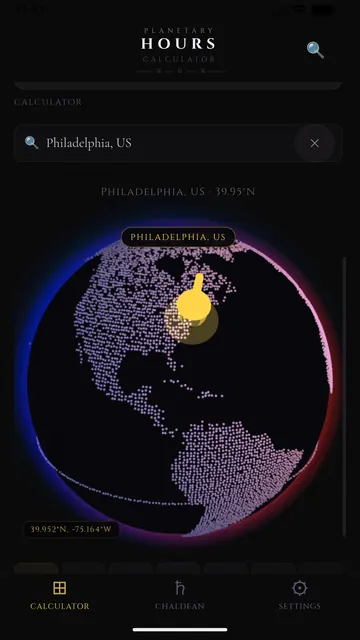
- Search for a city, or tap anywhere on the interactive globe
- Pick a day; sunrise and sunset are filled in, and you can adjust them by hand
- See all twelve day hours and twelve night hours, each with its planet, times and length
Live view
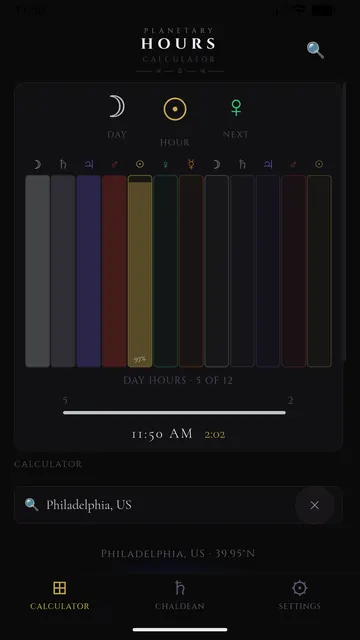
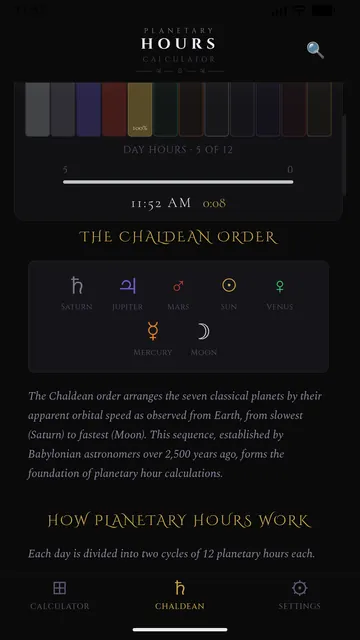
- The current day ruler, the current hour and the next, with a bar for each hour of the day
- An optional home display of the current hour
Learn
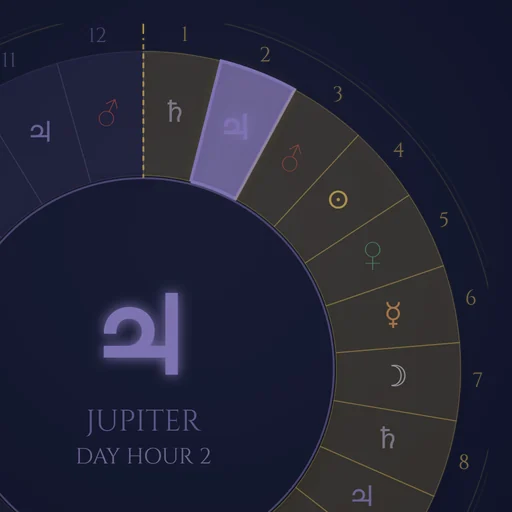
- The Chaldean order and why it is used
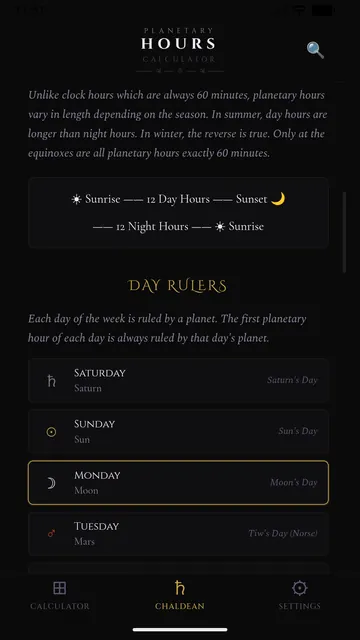
- The planet that rules each day of the week
- A plain explanation of how the hours are calculated
Details
- Three display themes: Void, Parchment and Celestial
- Symbol or fraction formats
- English and Spanish
Screenshots
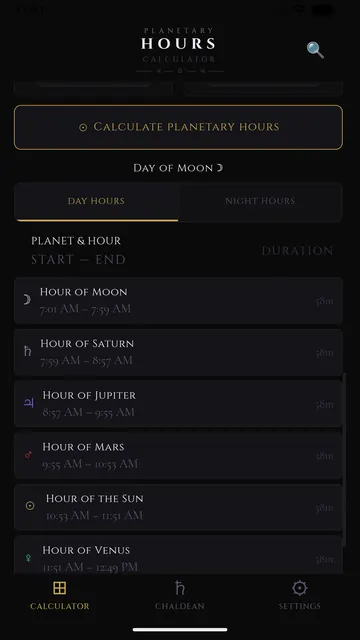
Planetary hours by city
Today’s full table for fifty cities, computed from each one’s own sunrise and sunset.
Privacy
No account, no ads, no analytics. The app never accesses your device’s location: you choose a place by searching or tapping the globe. Privacy policy.
Questions
Can I calculate planetary hours for another city?
Yes. That is what the app is for: search for any city or tap the globe, choose a day, and it computes all twenty-four hours from that place’s sunrise and sunset.
Does Planetary Hours use my location?
Never. You pick the place yourself; only the search text or the chosen coordinates are sent to look up the place name.
Why does each hour have a different length?
Daylight is divided into twelve equal day hours and night into twelve night hours, so their length follows the season and your latitude. Only at the equinoxes are they all close to sixty minutes.
Is Planetary Hours on iPhone?
On iOS the calculator ships inside Planetary Time. On Android it is a separate app on Google Play.